Library & folders
Quick folders, favorites, and how indexing works.
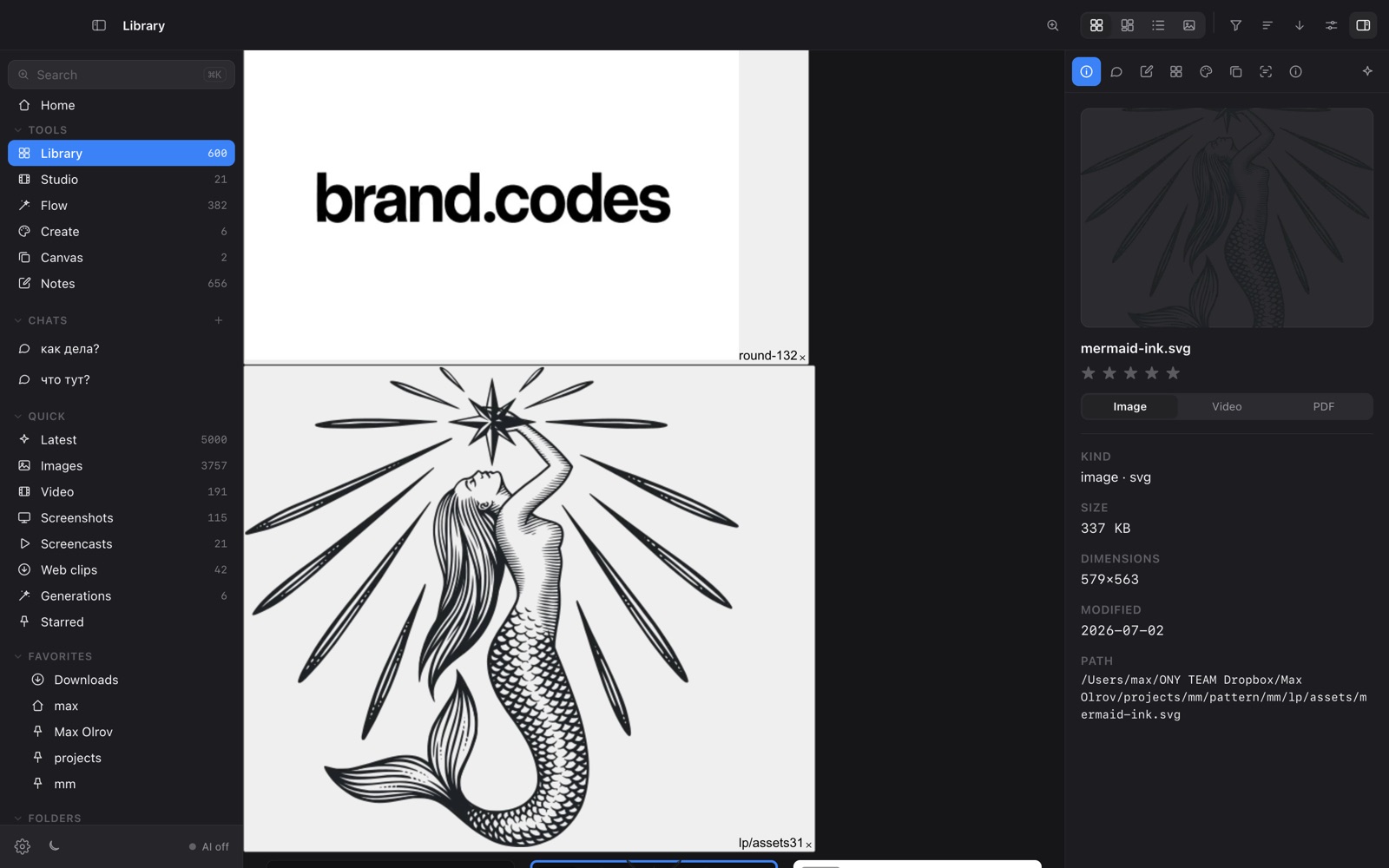
The left sidebar is your map. Quick folders (Latest, Images, Video, Screenshots, Screencasts, Web clips, Generations, Starred) are smart views over everything indexed — they update automatically. Favorites and Folders are your real disk folders.
Layouts & sorting
Switch between Grid, Masonry and List from the toolbar. Filter by type, sort by date or name, and toggle filenames. Press Space on any file for a full-screen Quick Look.
Collections, boards & smart folders
Group files into Collections, drop them onto a moodboard (see Canvas), or save the current view — a Quick folder + search + type filter — as a Smart folder that re-runs itself.
Indexing in place
OY.Surf never imports into a managed library. It reads your folders where they are, so deleting OY.Surf leaves your files untouched. Recordings from Surf Studio are indexed too, alongside everything else.