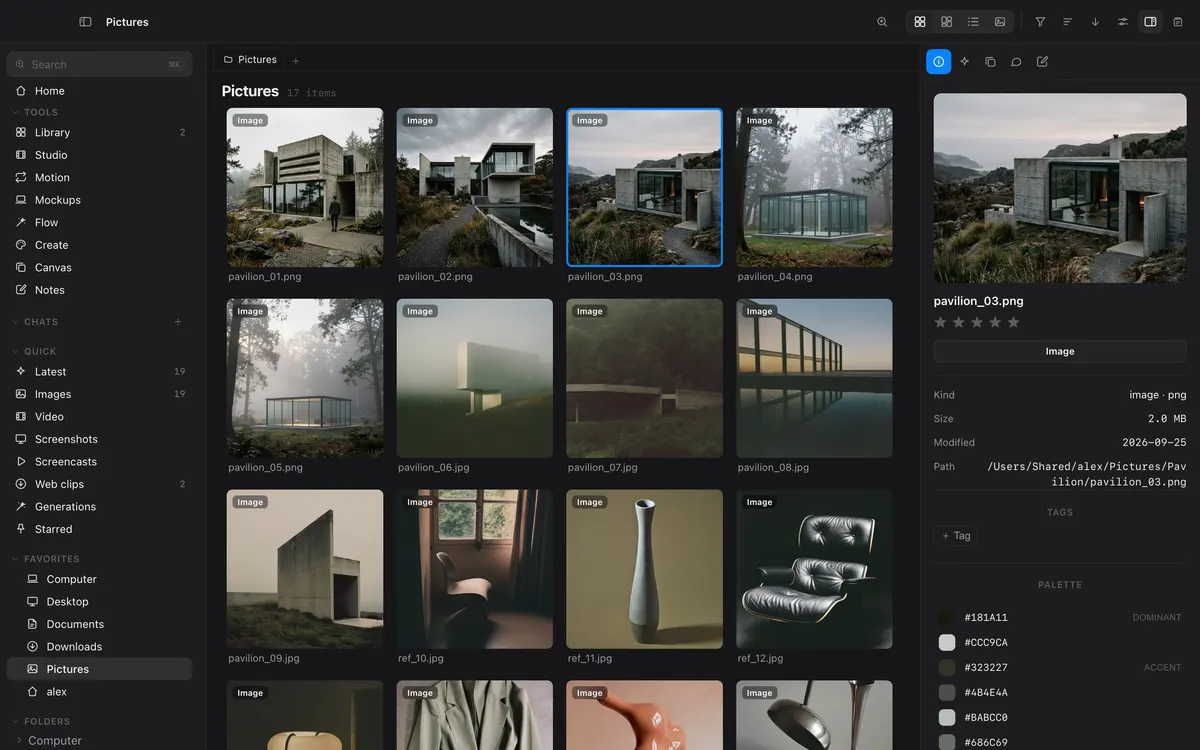
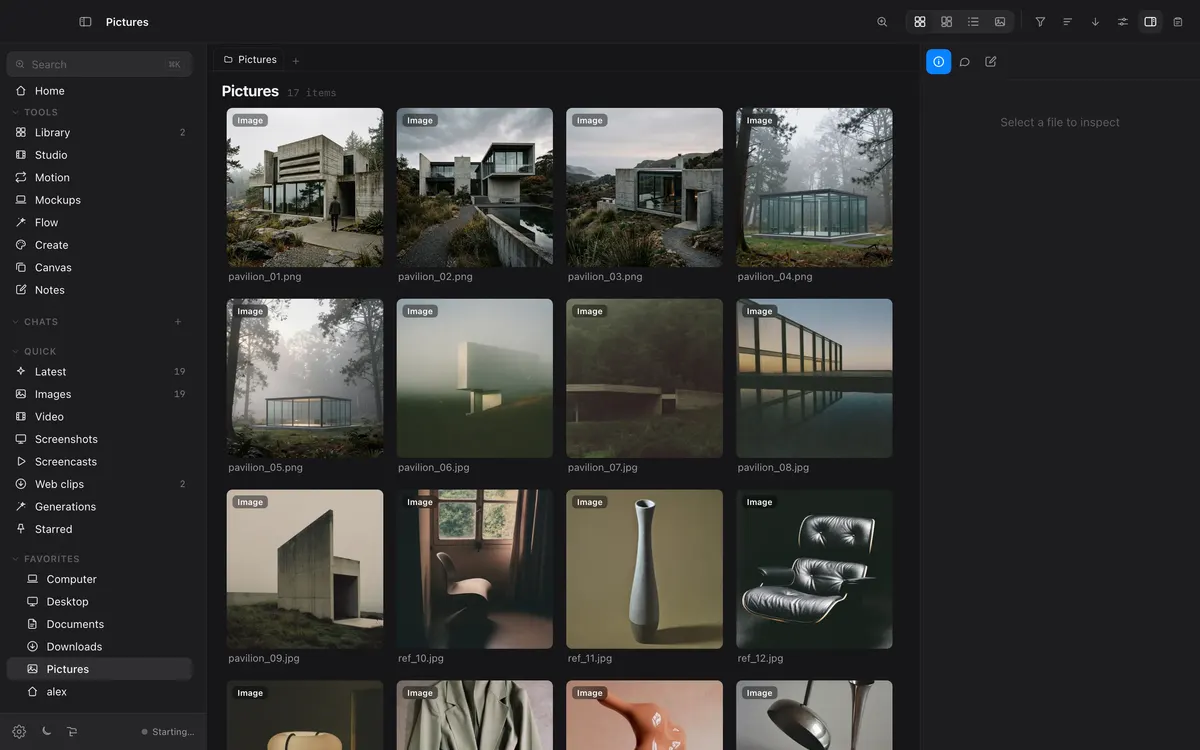
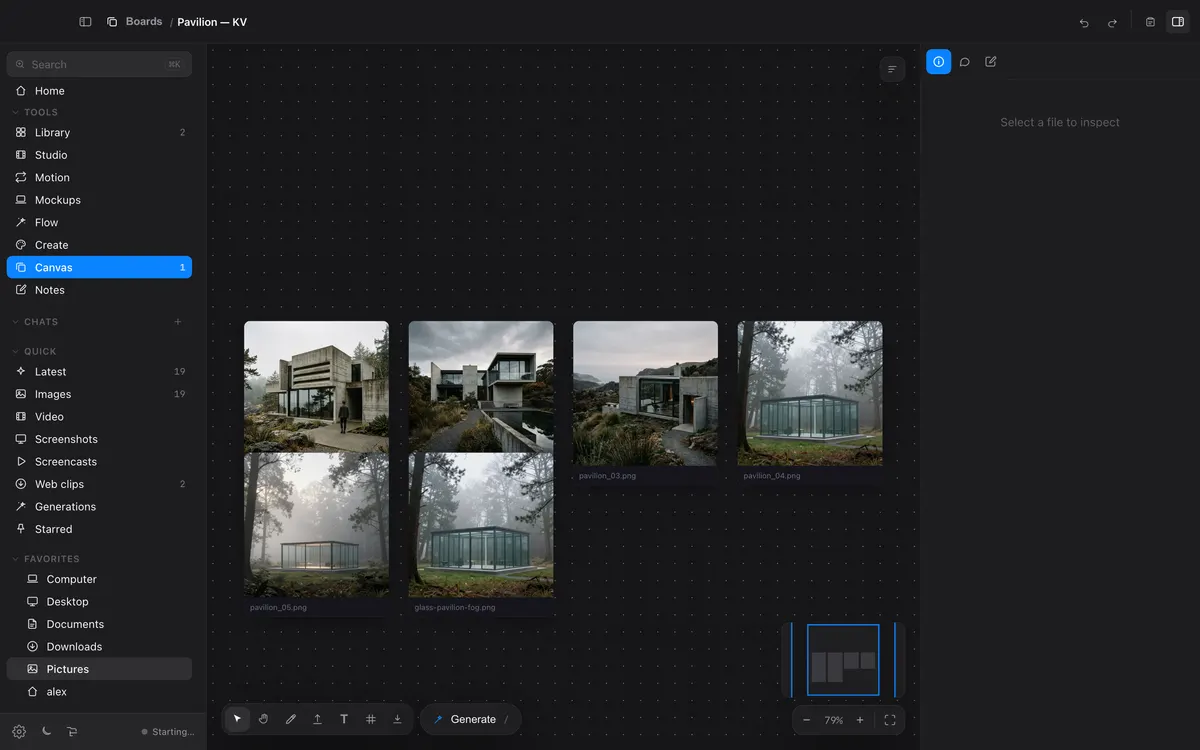
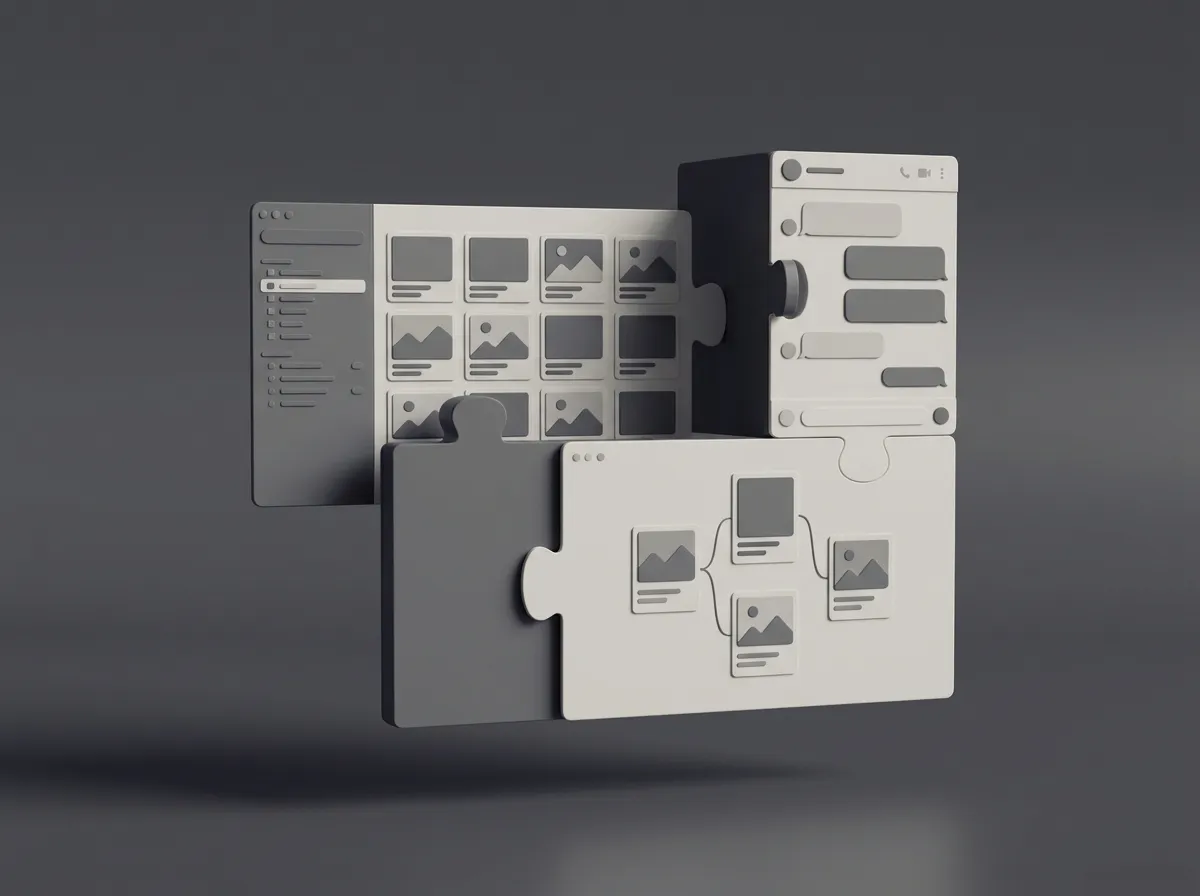
Studio, Motion and Mockups are one workspace
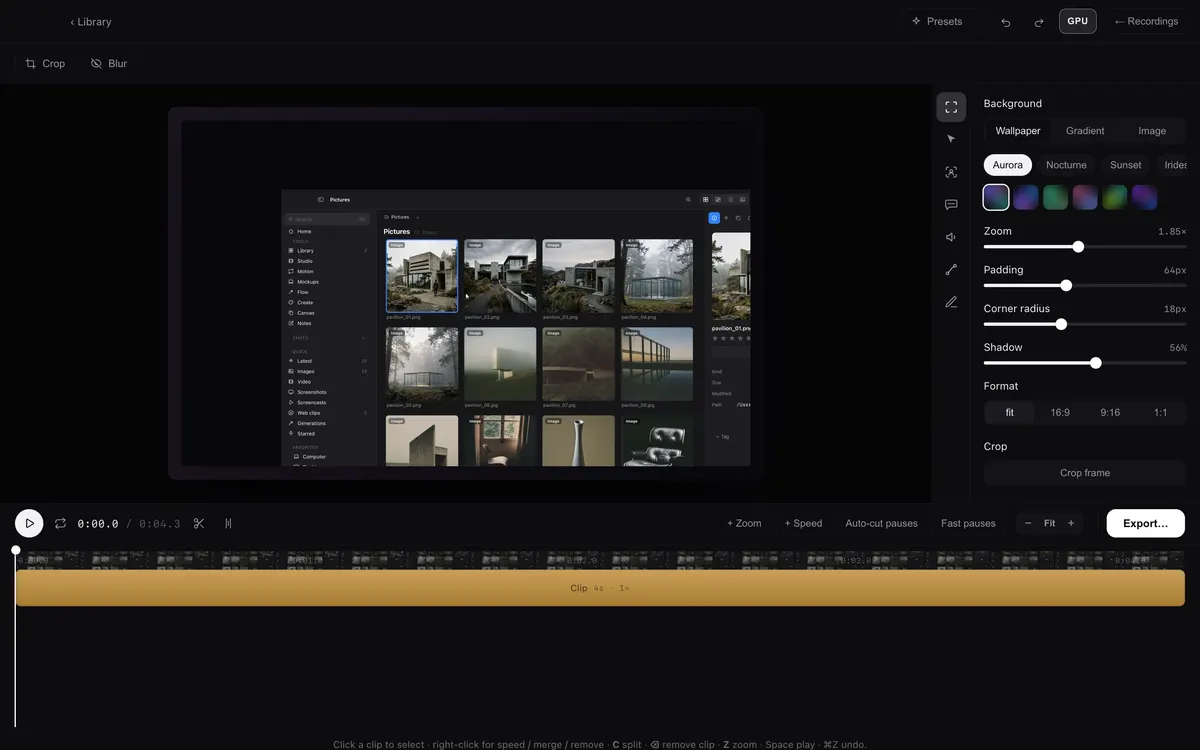
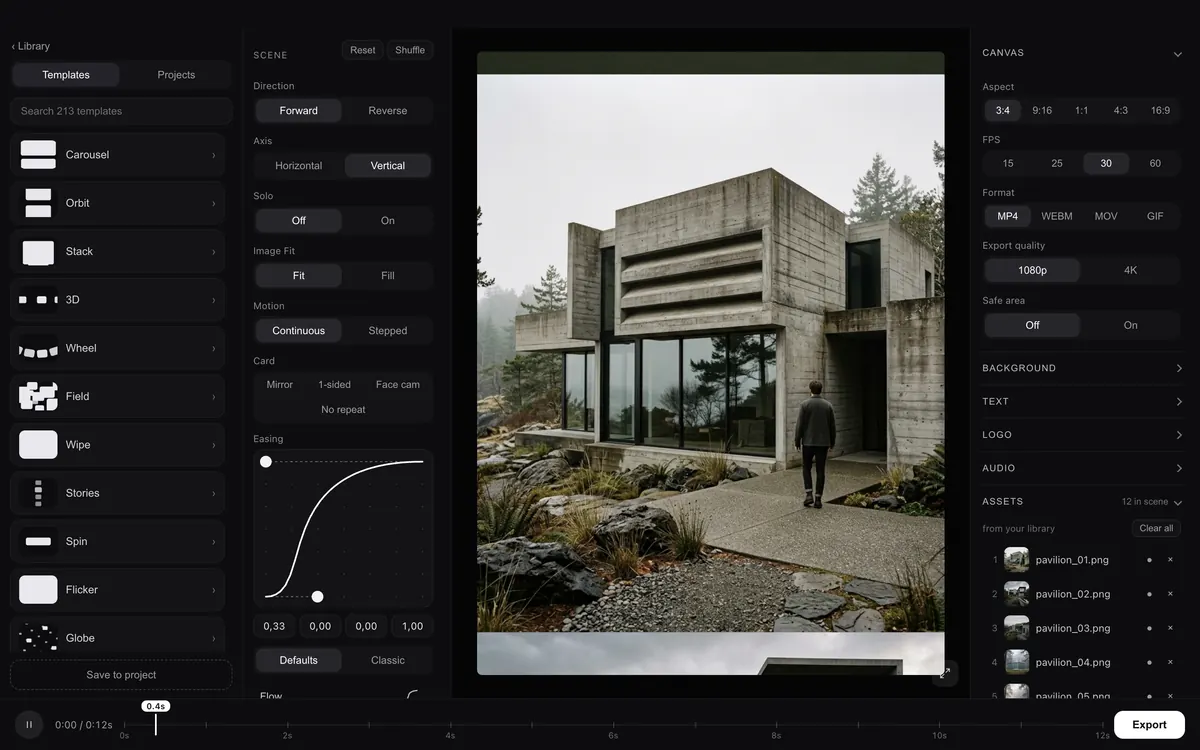
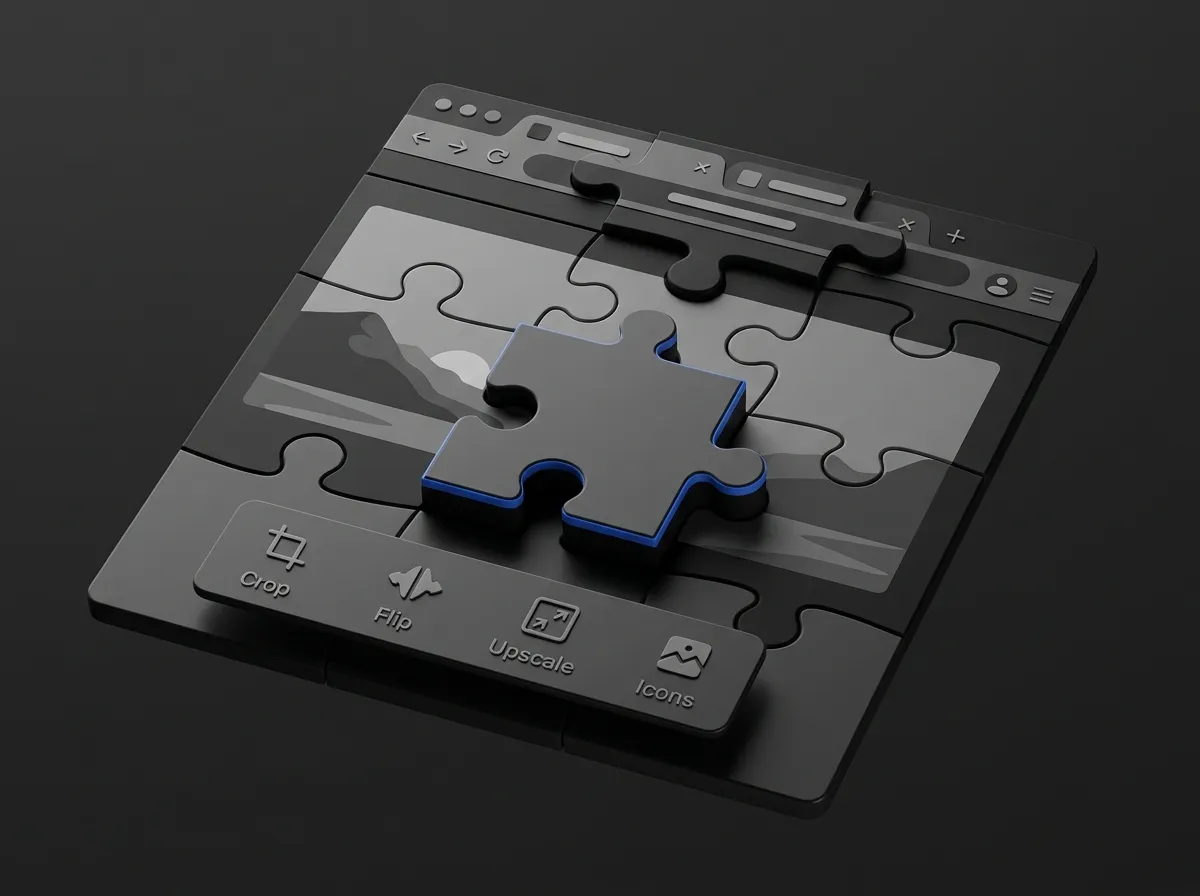
- One frame for everything that plays in time. Studio now opens the way Motion and Mockups do: the whole window, ‹ Library at the top left, the same column widths, and Export at the right end of the timeline. It stays dark like the other two, and its accents are white instead of blue.
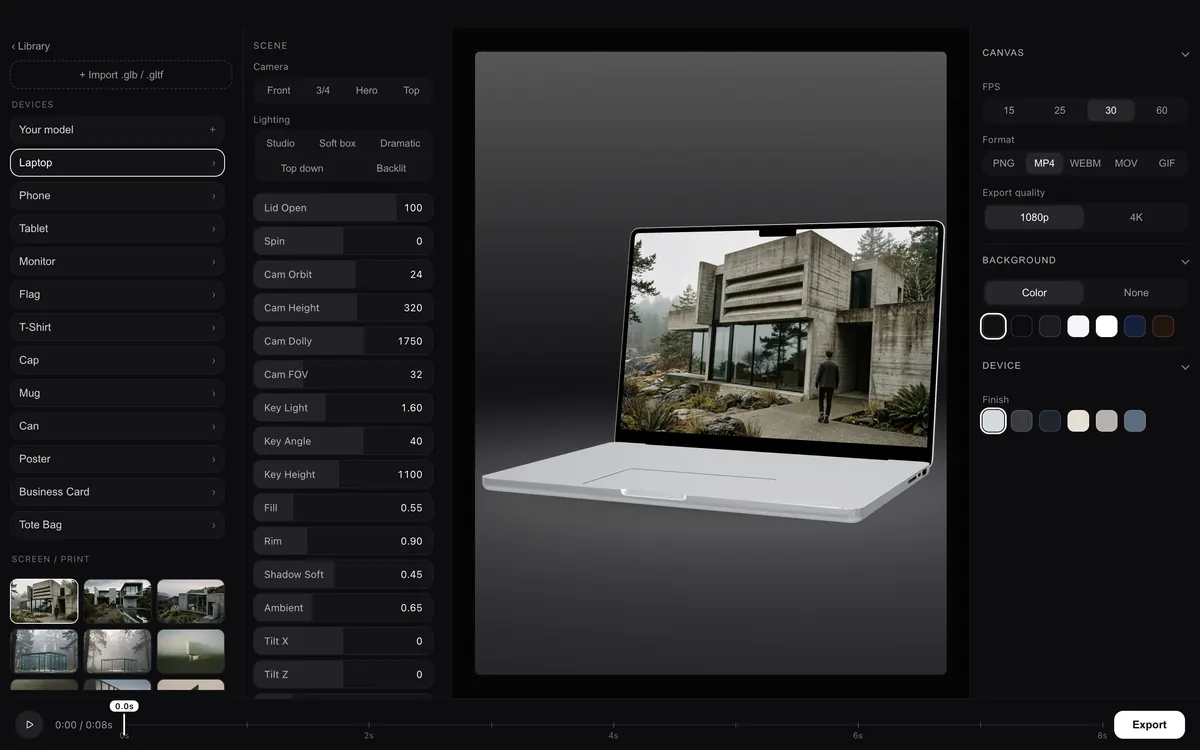
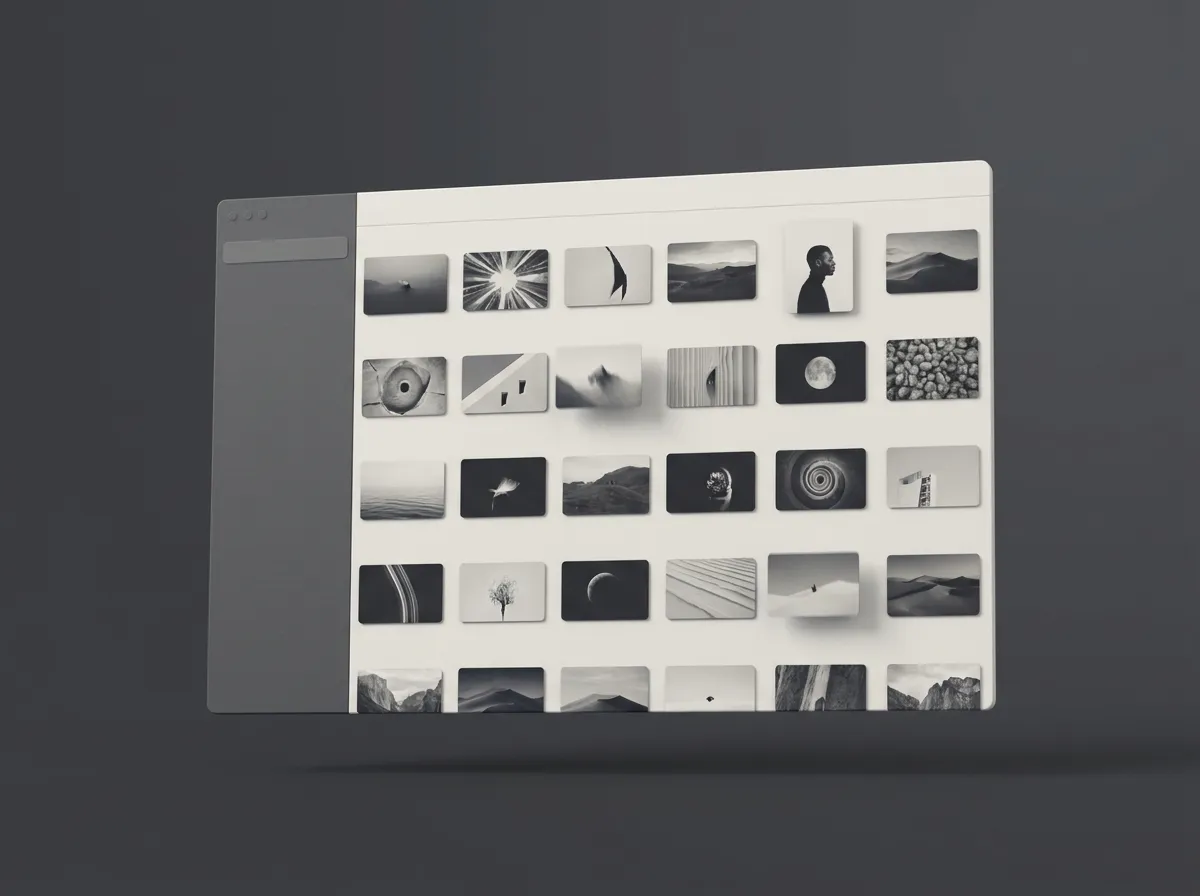
- Mockups lines up with Motion. The left rail is the same width and scrolls on its own, so the thumbnails no longer run over the play button. The right panel is Canvas, Background and Device, each one collapsible, and the five export formats fit on one row.
- Record and dictate straight from the notch. The Record tab starts with Screen, Window and Area. Screen starts recording at once with your Studio camera and microphone settings, and Area starts as soon as you have drawn one; OY.Surf steps out of the way so the take shows what you were looking at, and comes back with it when you press Stop. Window opens Studio with Window chosen, so you pick which one. The Dictate tab is one button: click to start, click again to stop, no key to hold. Clicking the notch brings OY.Surf forward, so that text is copied and saved to the list rather than pasted.
- Dictation keeps what you said. Pressing again right after you stop no longer throws the second dictation away, and a result that arrives late can no longer end the one you are in the middle of. A microphone that drops out mid-sentence (AirPods switching away, a dock unplugged) used to leave dictation stuck until a restart; what it heard is transcribed now, and the next press works. Close the window mid-dictation and you are told, instead of watching Transcribing… forever.
- The Dock brings the window back. After closing the window with ⌘W, clicking OY.Surf in the Dock opened nothing, because the clipboard panel counted as a window. It opens the window again.
- A recording that ends on its own no longer looks like it is still going. If the capture stopped underneath Studio, it kept showing a take in progress with a Stop that could never finish. Now the take ends, you are told why, and the app comes back.
- Videos always fit the viewer. A tall video could fill the screen with the controls laid over it, and there was no way to fit it. Every video now fits by its limiting side, with the controls in their own row underneath. Space plays and pauses, as the button’s tooltip always said.
StudioNotch & ClipboardMotion & MockupsLibrary & Lenses