Markdown
Markdown on Mac: choose the context around the file
A Markdown file is portable text. The choice of app is about the editing, linking, search and project context you need around it.
Reviewed October 22, 2026 · Published by OY.Surf
For writing and linked knowledge
Obsidian offers a local note vault with links, a graph, Canvas and plugins. Its center of gravity is the notes and the relationships between them.
For documentation beside visual work
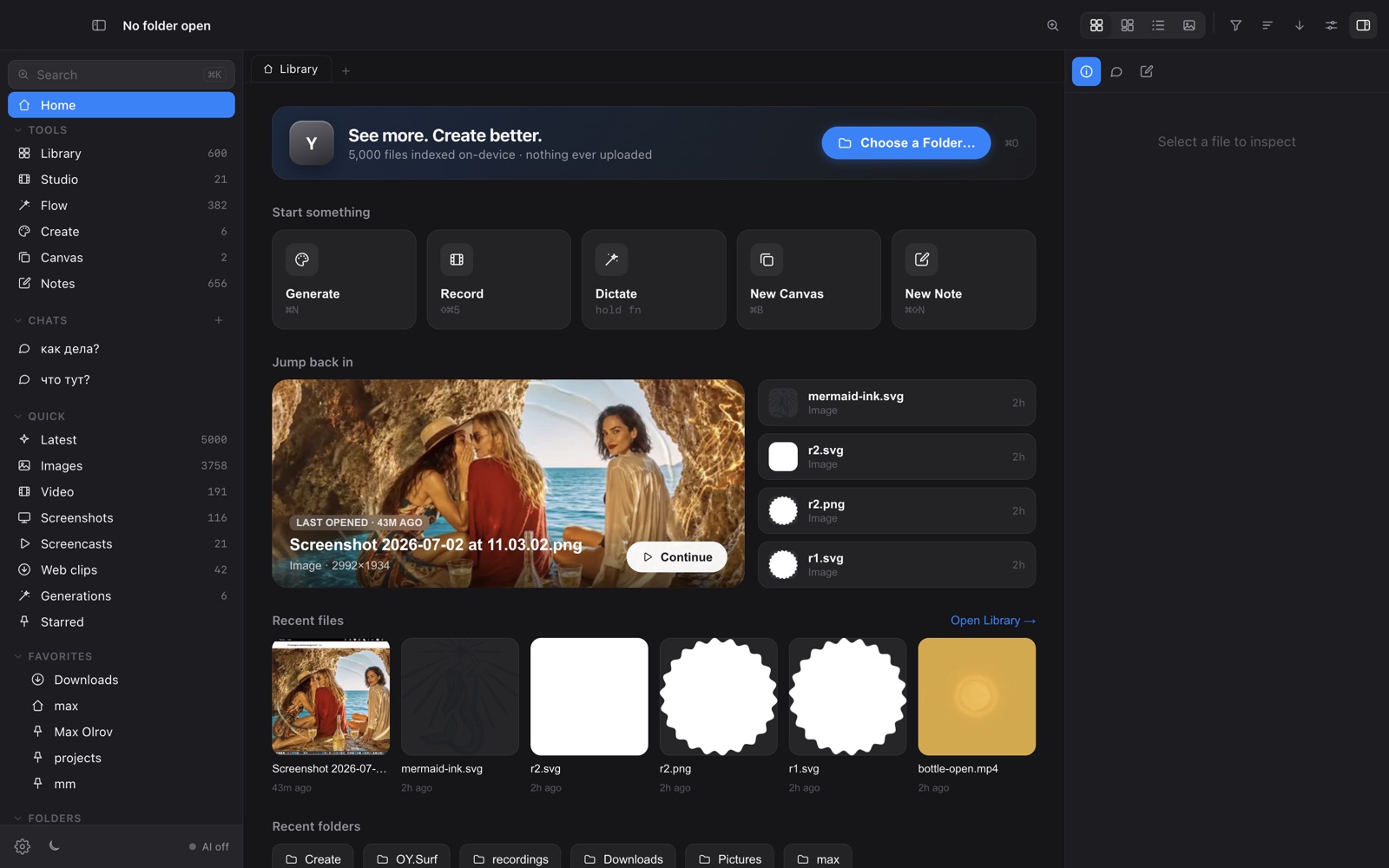
OY.Surf is useful when the note describes a render, screenshot, reference or project. Browse it with the surrounding files, dictate a draft locally, and keep the approved brief beside the Canvas directions it informs.
Check portability with a real project
Open a representative note in another editor. Check image paths, attachments and any app-specific syntax before relying on an export. Plain Markdown travels well; embedded objects and application-specific features may need separate handling. Choose a dedicated writing tool when its editing controls are the part you need most.
Official sources and detailed comparisons
- Obsidian official documentation · Detailed comparison
- OY.Surf documentation · Local and optional cloud processing
OY.Surf is free while in beta. Provider usage is separate. This guide does not establish equivalent quality, prices or a complete feature match. Check the current product documentation and try your own representative task.
Download for Mac