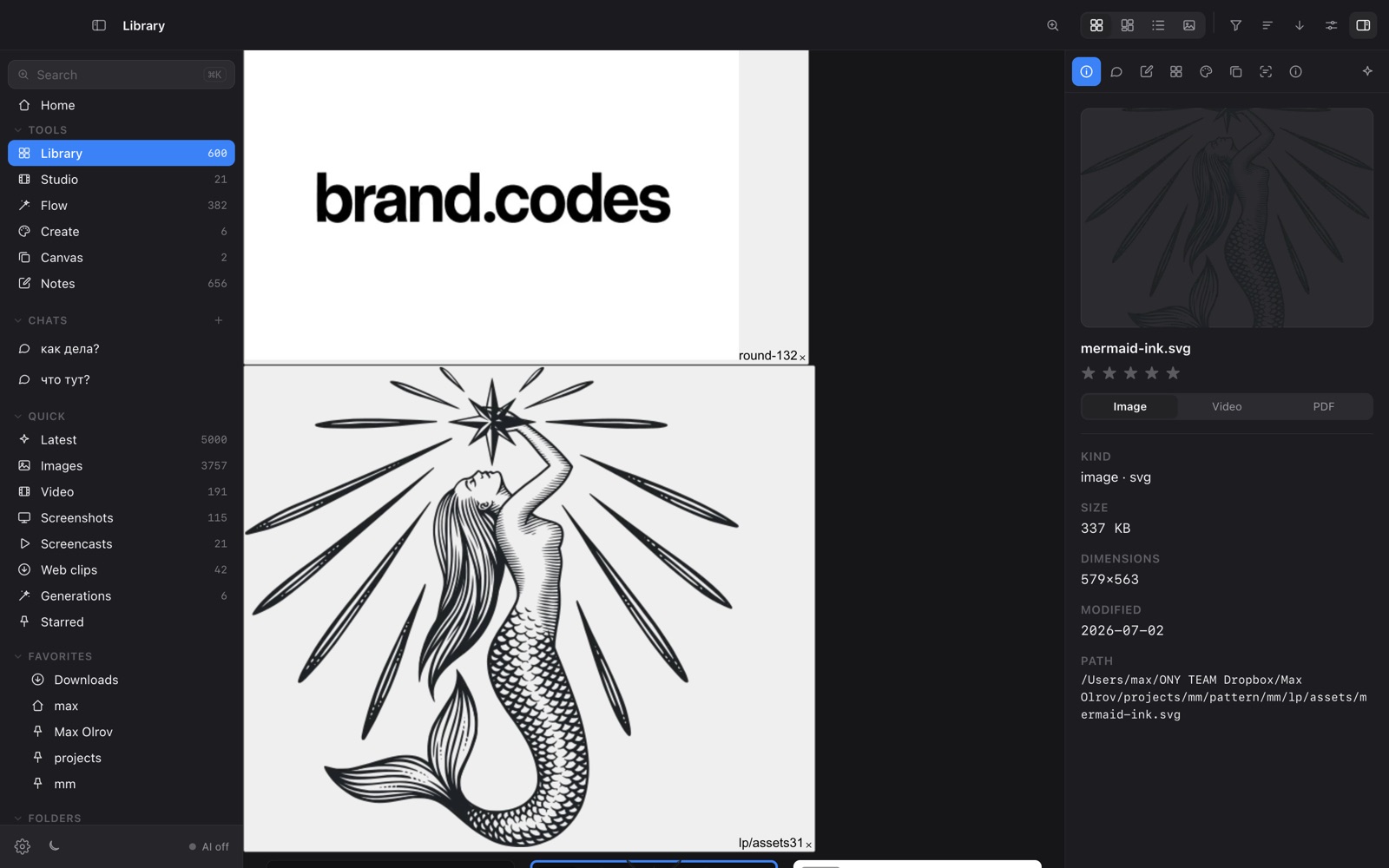
The best local image browser for Mac in 2026
Thousands of references, renders and screenshots on your disk — the tools that help you find and use them without uploading a thing.

Anyone who works with images ends up with the same problem: a drive full of files they can't find. Cloud DAMs solve it by uploading everything; the local-first tools keep your files where they are and differ mainly in how much intelligence they add on top — manual tags, metadata, or AI that understands the picture itself.
What to look for
Tags and color filters are powerful but need upkeep; AI descriptions and semantic search find things without you labelling them.
Filename and tag search hits a wall fast. Search by what's in the image — or by text inside it (OCR) — scales to thousands of files.
Some tools only organise; others also generate, edit or moodboard, so you don't bounce between apps.
Whether files stay on disk and indexing runs on-device, with nothing uploaded.
The options
Eagle ↗
The beloved manual organiser: fast browsing, tags, color filters, folders. Mature and tidy if you'll invest in tagging.
Adobe Bridge ↗
The Creative Cloud hub: deep format support (PSD, INDD, RAW), metadata and batch tools, tight Photoshop integration. Free with an Adobe account; metadata-driven.
Billfish ↗
A free local image manager with auto-tagging and a clean browser — a lighter, no-cost organiser.
Finder ↗
Free and universal, with genuinely good Quick Look. No semantic search or content understanding.
OY.Surf ↗
The all-in-one, on-device option: indexes your existing folders in place, auto-describes images and adds semantic + OCR search, and also generates, edits and moodboards — all on your Mac.
How they compare
| Eagle | Adobe Bridge | Billfish | Finder | OY.Surf | |
|---|---|---|---|---|---|
| Browses local folders in place | ~ | ✓ | ~ | ✓ | ✓ |
| Manual tags / color filters | ✓ | ✓ | ✓ | — | ~ |
| AI descriptions + semantic search | — | — | — | — | ✓ |
| Search text inside images (OCR) | — | ~ | — | ~ | ✓ |
| Generate / edit images | — | — | — | — | ✓ |
| Moodboard canvas | — | — | — | — | ✓ |
| Price | Paid | Free* | Free | Free | Free |

The honest take
For a refined manual organiser you'll tag by hand, Eagle; for deep Adobe formats inside Creative Cloud, Bridge; for a free no-fuss browse, Finder or Billfish. OY.Surf is the option for when you want the library to understand your images — descriptions, semantic and OCR search — and to create as well as organise, all without uploading anything. (*Bridge needs a free Adobe account.)
FAQ
- Which image browsers don't upload my files?
- Eagle, Adobe Bridge, Billfish, Finder and OY.Surf all work over local files. OY.Surf adds on-device AI search and creation with nothing uploaded.
- Can I search images by what's in them?
- OY.Surf builds an on-device semantic + OCR index, so you can search by content rather than filenames or tags.
- Is there a free local image browser with AI?
- OY.Surf is free while in beta and runs its AI on-device.
OY.Surf is one of the options above — the local-first, on-device one that bundles browsing, generation, editing, recording and dictation into a single free macOS app. It won't replace a specialist for that specialist's one job; it's useful when you'd rather not run five separate tools.