Dictation
Choosing dictation: where the audio is processed
Recognition, cleanup, keyboard behavior and processing location all affect dictation. Test the words you actually use in the apps you dictate into.
Reviewed October 22, 2026 · Published by OY.Surf
Cloud processing and its controls
Wispr Flow processes dictation audio in the cloud. Its documentation separates model-improvement controls, cloud storage and local history. Read those settings rather than assuming that one privacy switch describes every kind of data handling.
Local processing and its requirements
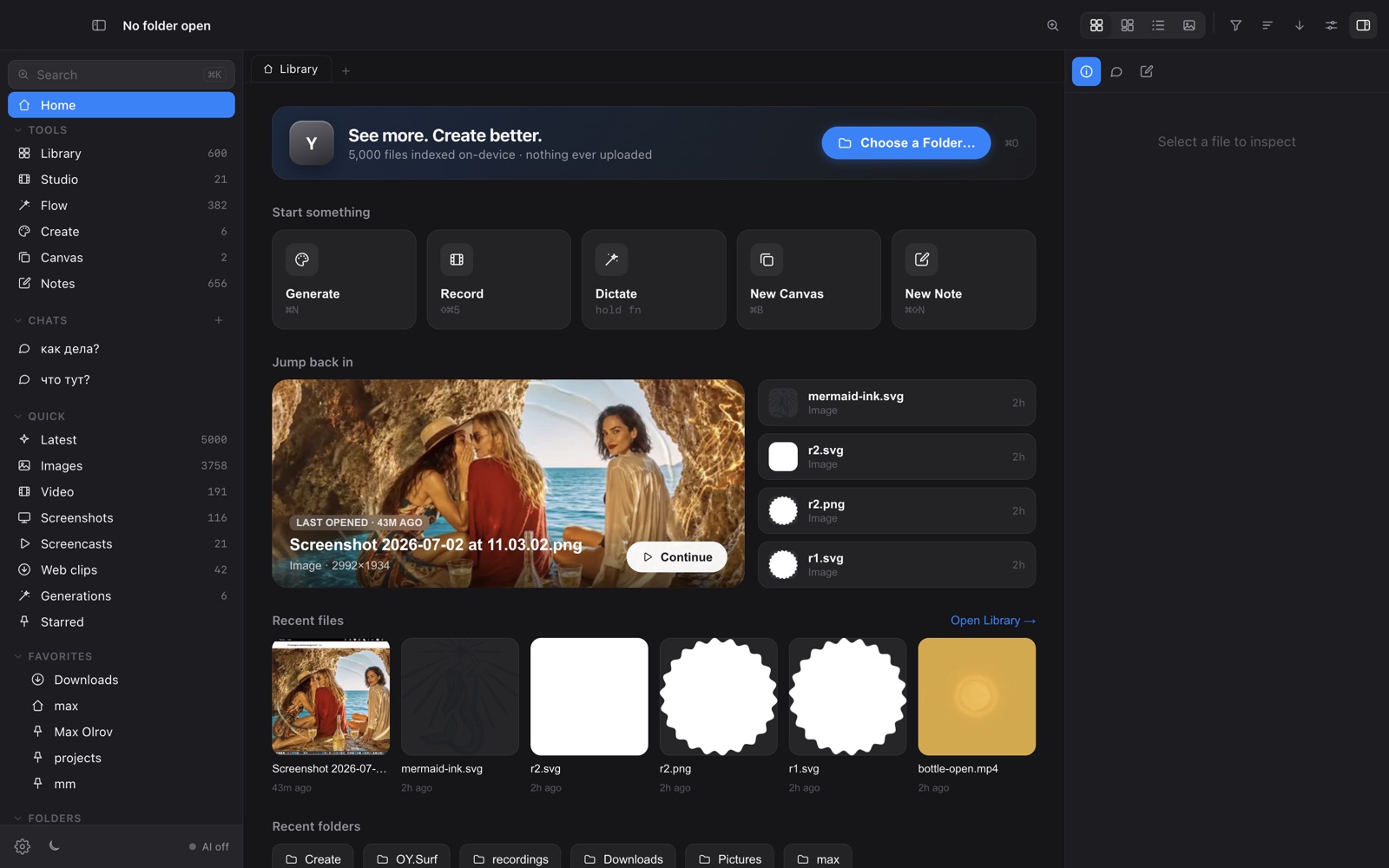
OY.Surf transcribes dictation with a downloaded Whisper model on the Mac. Download the model first, then check the microphone, shortcut and paste permissions. Local inference uses your Mac’s resources, and recognition quality depends on the language, microphone and audio.
Compare the whole interaction
Try a paragraph with names, punctuation and corrections. Check what cleanup changes and whether text lands where expected. If you need meeting transcription, speaker attribution or a cross-platform account, evaluate those separately from short-form dictation. OY.Surf’s optional cloud image providers are separate from its local dictation.
Official sources and detailed comparisons
- Wispr Flow official documentation · Detailed comparison
- OY.Surf documentation · Local and optional cloud processing
OY.Surf is free while in beta. Provider usage is separate. This guide does not establish equivalent quality, prices or a complete feature match. Check the current product documentation and try your own representative task.
Download for Mac